
Products
UAV Components Catalog
Search published components by product name, model, category, or keyword.
174 results
9 published brands
No online checkout
Direct consultationThe right components.
The right components.
For your specific mission.
Share your airframe, models and quantities. We’ll confirm the product details before quotation.
Filters
Component system
Brand
Need a part not listed?
Send the model or datasheet. We will confirm whether it can be supplied.
Send a request
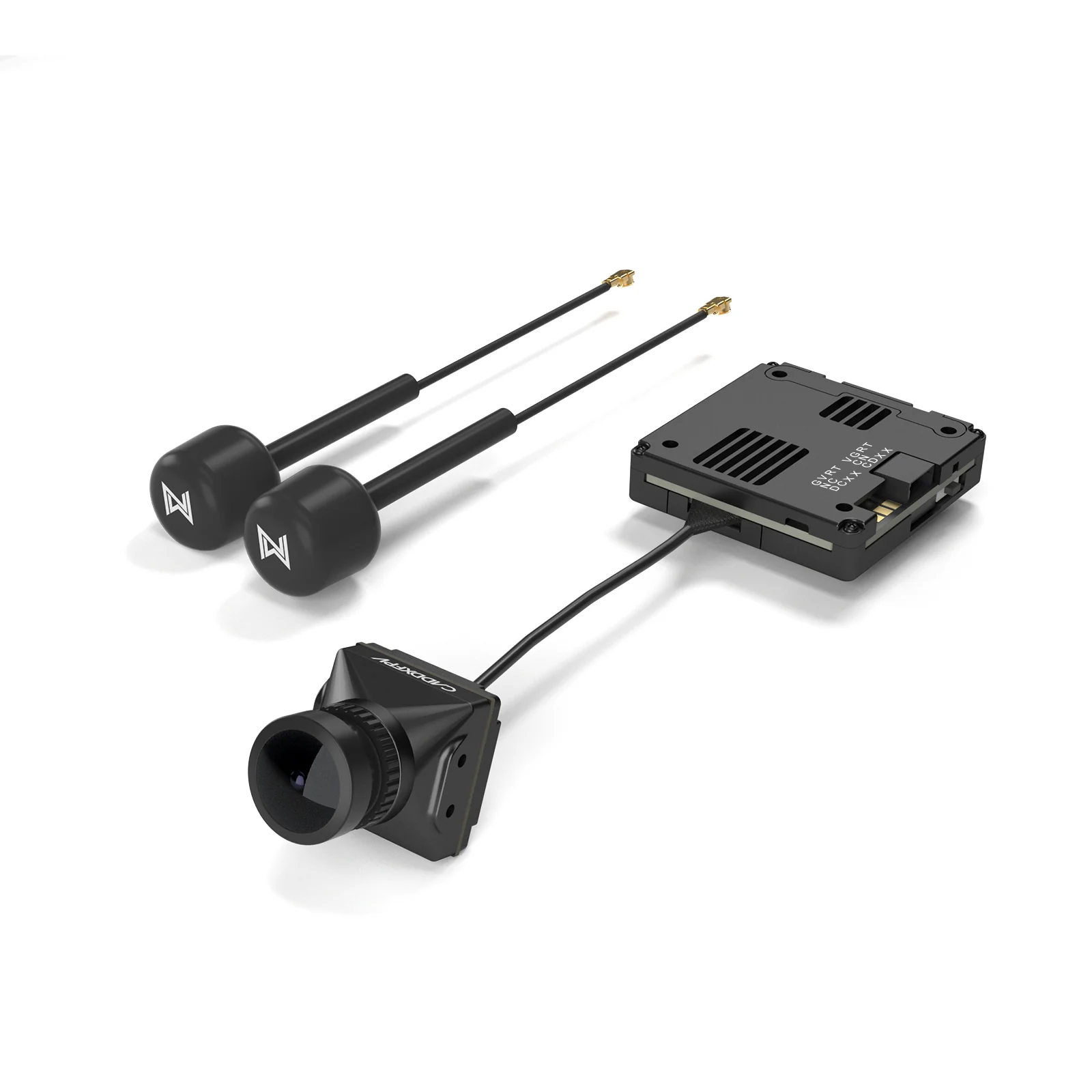
Walksnail Avatar Pro Dual Air Unit
- On-board features
- USB port, power pads, LED indicator, link button
- Gray wire
- UART TX → flight controller RX
- White wire
- UART RX ← flight controller TX
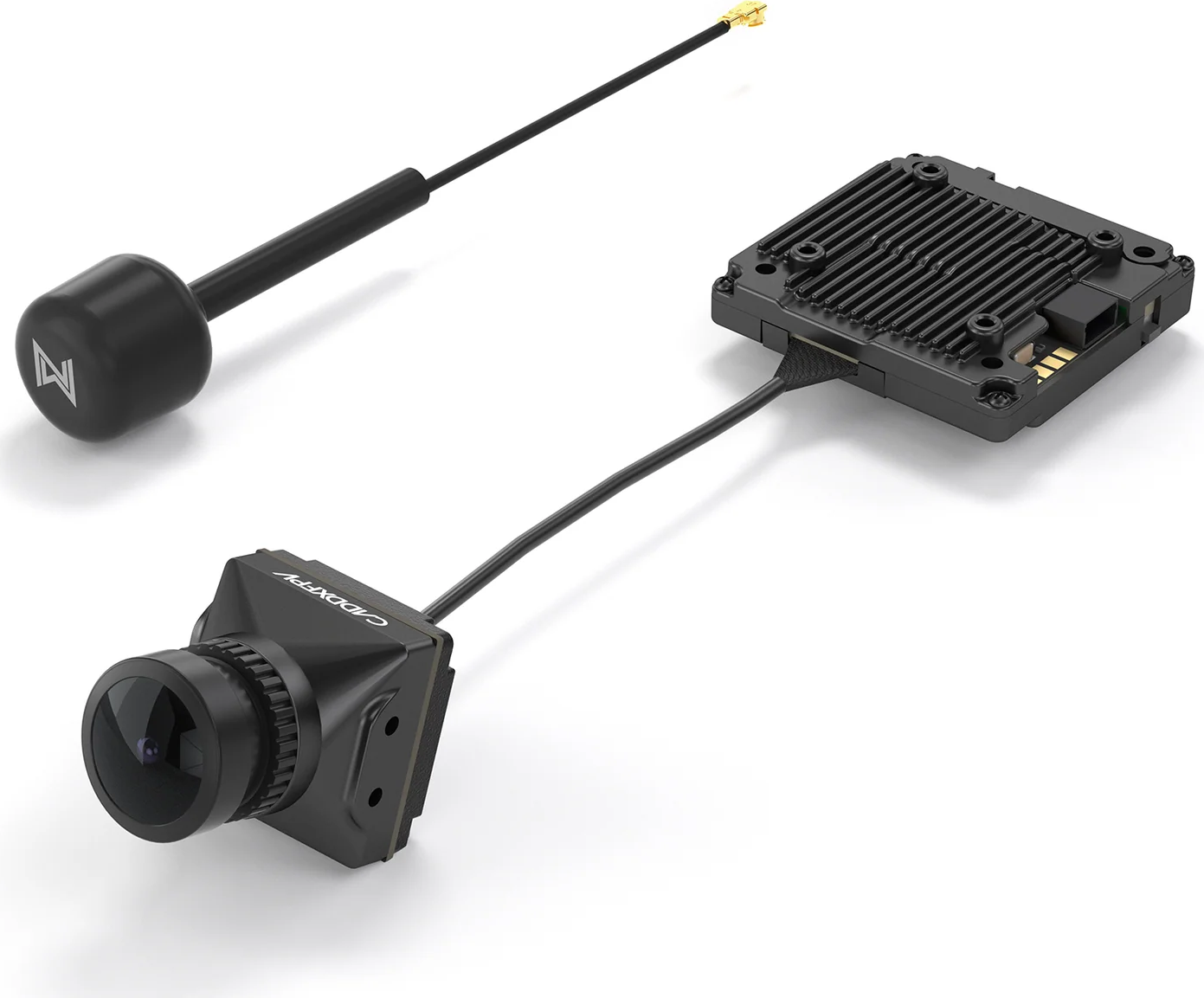
Walksnail AVATAR HD PRO KIT
- Diagram labels 04–06
- 04 Status LED, 05 link button, 06 power connector.
- Diagram labels 07–09
- 07 Power pads, 08 coaxial cable, 09 camera.
- OSD configuration
- The guide sets osd_displayport_device = MSP. Earlier setup uses displayport_msp_serial equal to the UART number minus one. Its 4.4 example uses vcd_video_system = HD. Save after configuration.
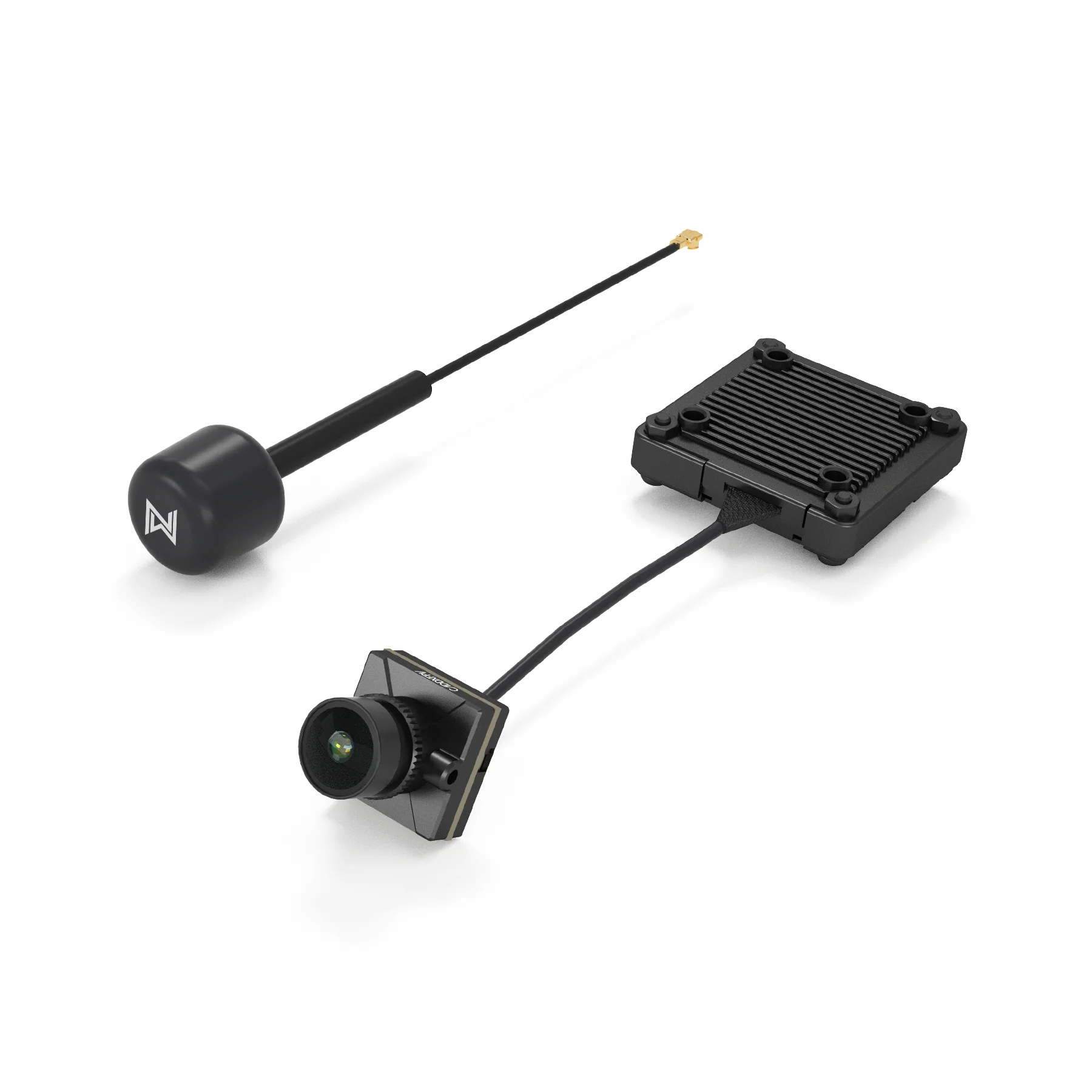
Walksnail Avatar HD Nano Kit V3
- On-board features
- USB port, power pads, LED indicator, link button
- Gray wire
- UART TX → flight controller RX
- White wire
- UART RX ← flight controller TX
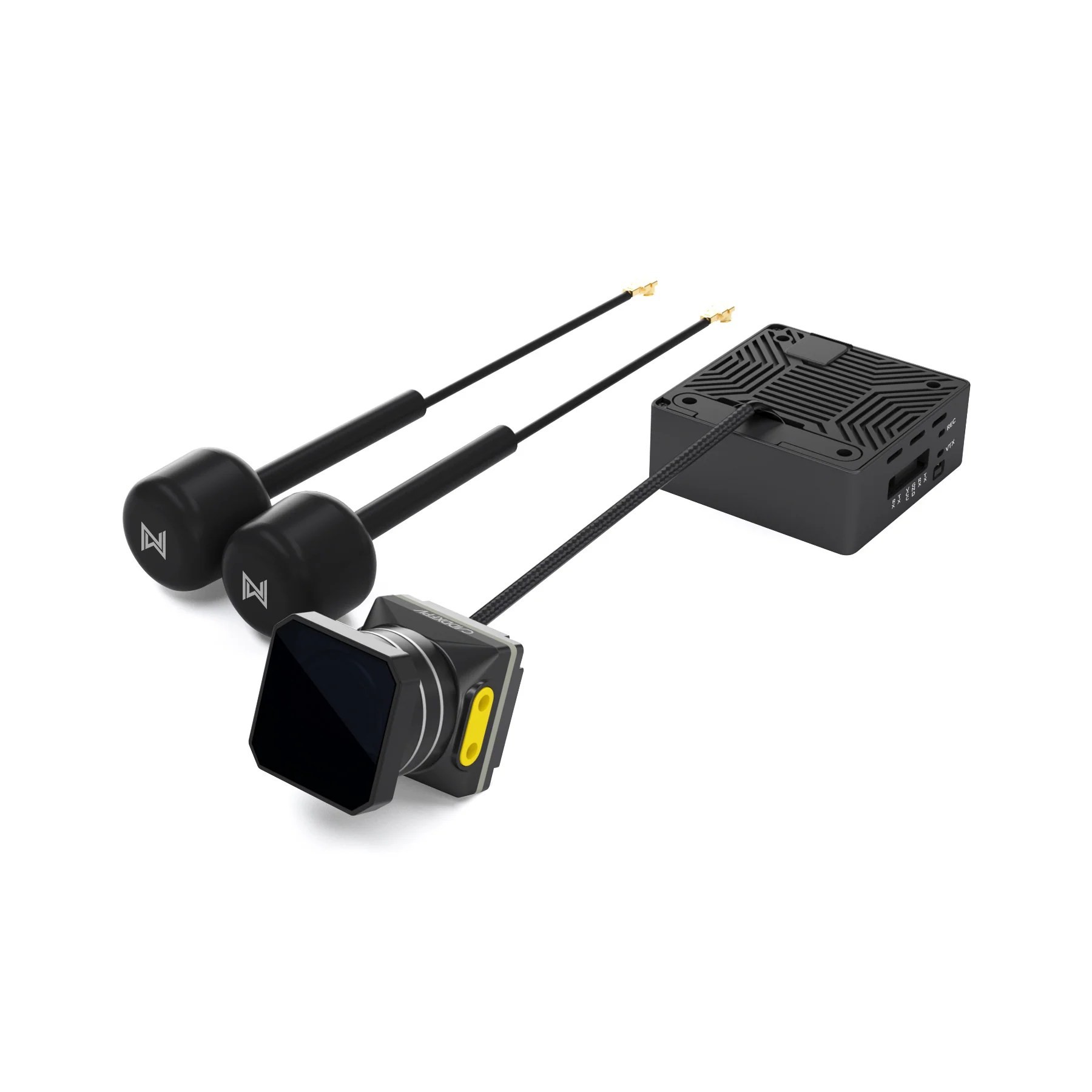
Walksnail Avatar HD Moonlight Kit
- USB upgrade jumper
- Connect REC USB to VTX USB and align the white wire with the white circle. The jumper may remain connected during normal operation.
- Module features
- Power port, bind button, VTX and REC LEDs, mounting holes, microSD slot, VTX USB and REC USB
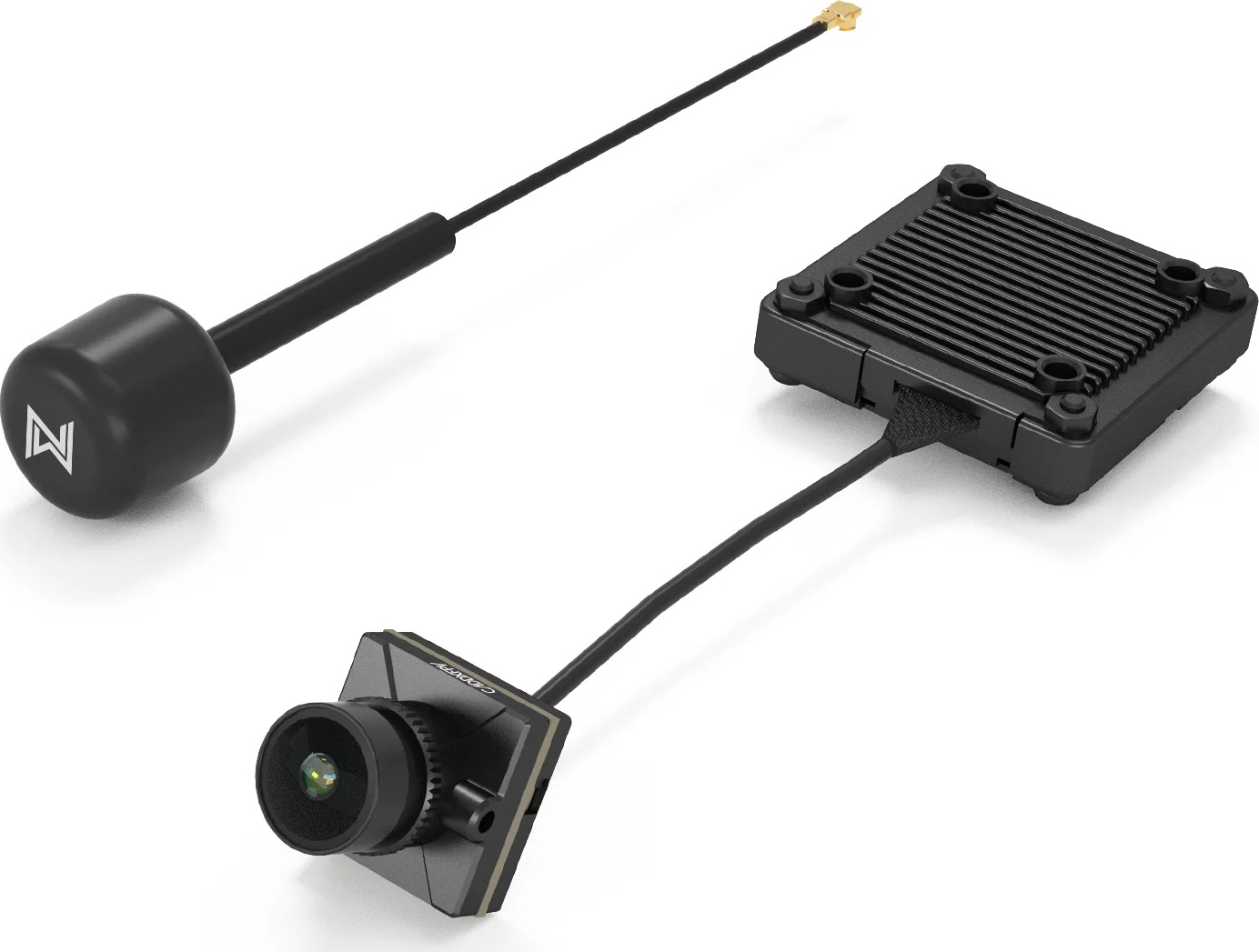
Walksnail Avatar HD Mini 1s Kit
- Betaflight UART setup
- Connect the gray and white wires to the selected UART. Enable MSP on that UART in the Ports tab and save. The example shows 115200 baud.
- Standard setup in the m…
- Run set osd_displayport_device = MSP, set displayport_msp_serial = Y, then save. Y is the UART number minus one.
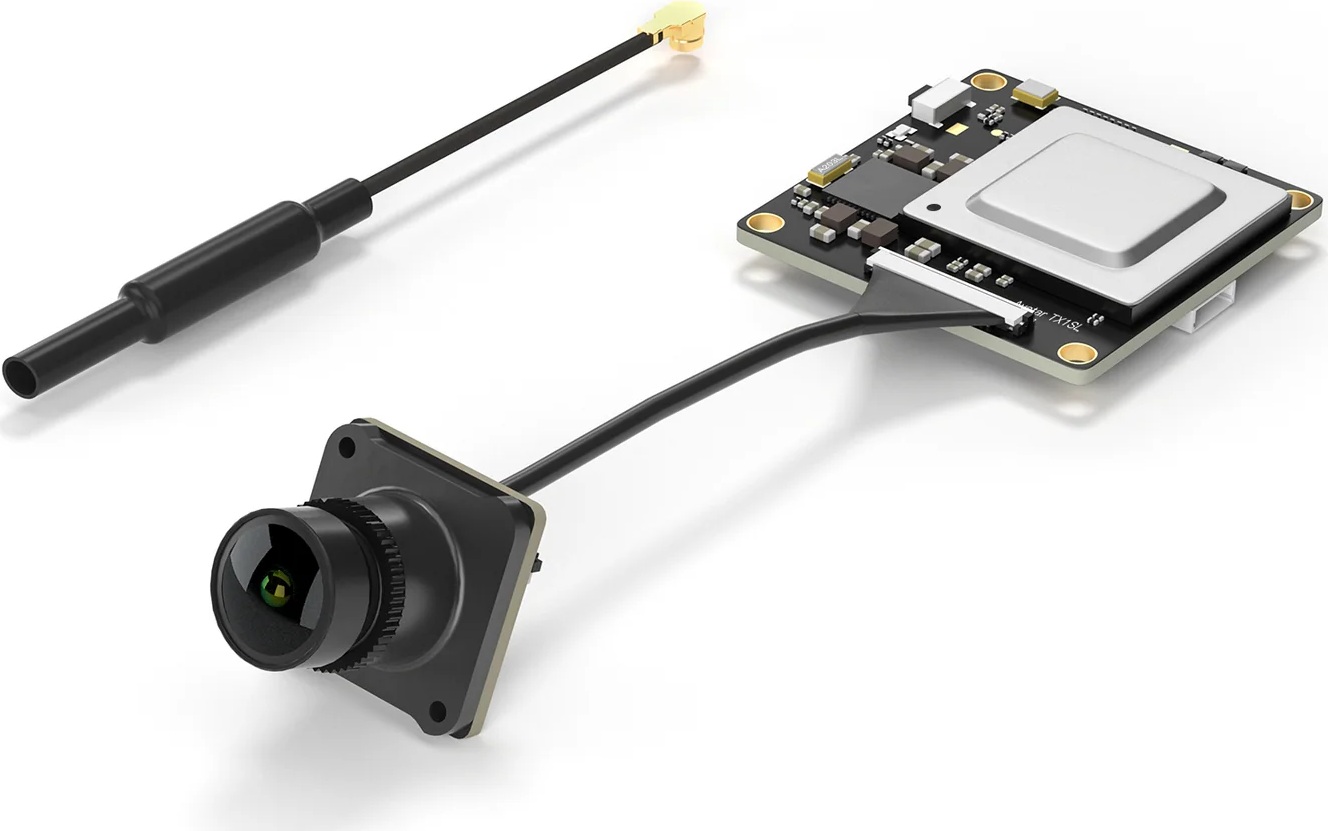
Walksnail Avatar HD Mini 1s Lite Kit
- Betaflight UART setup
- Connect the gray and white wires to the selected UART. Enable MSP on that UART in the Ports tab and save. The example shows 115200 baud.
- Standard setup in the m…
- Run set osd_displayport_device = MSP, set displayport_msp_serial = Y, then save. Y is the UART number minus one.
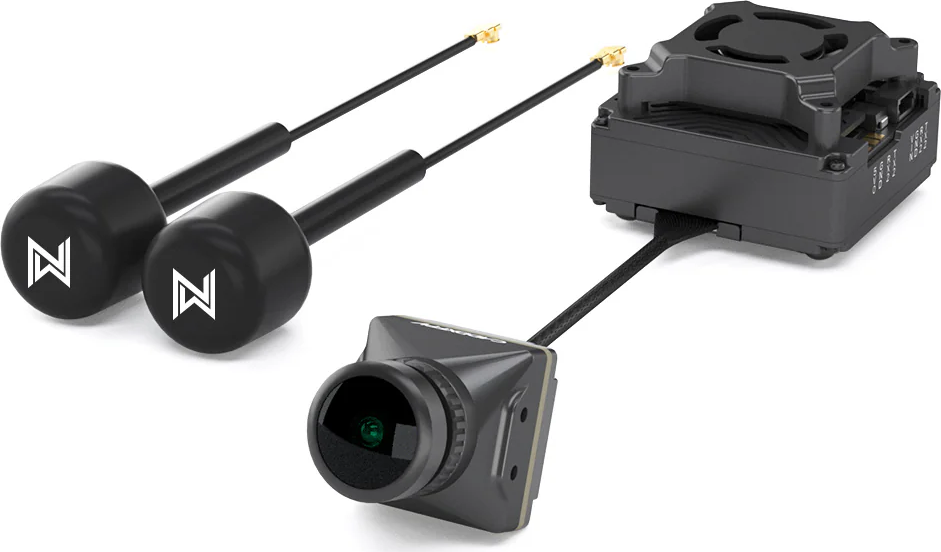
Walksnail AVATAR GT AIR UNIT
- Cooling and installation
- The transmitter generates substantial heat in operation and requires cooling airflow. Fit both antennas before applying power.
- MicroSD removal
- The slot has no spring eject mechanism. The manual calls for attaching a PVC pull tab before insertion.
- Parts 01–04
- 01 Camera, 02 cooling fan, 03 serial port pads, 04 power connector.
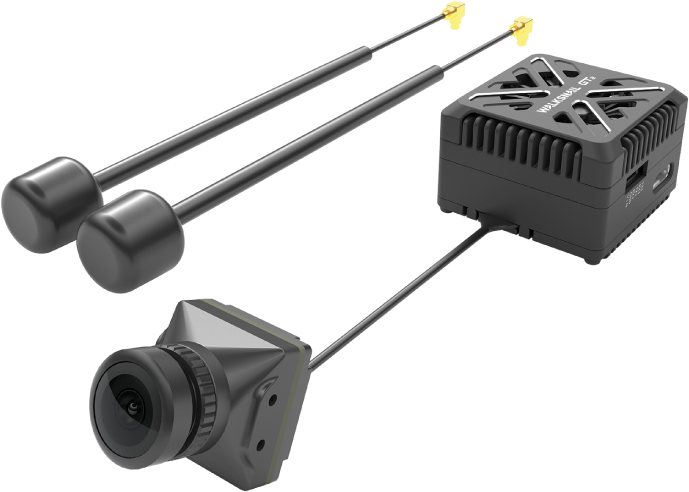
Walksnail AVATAR GT2 AIR UNIT
- Cooling and supply
- The manual calls for airflow around the operating transmitter and an adequate power supply. Install both antennas before powering on.
- Hardware labels 01–04
- 01 Camera, 02 status LED, 03 MicroSD slot, 04 link button.
- Hardware labels 05–08
- 05 Antennas, 06 cooling fan, 07 USB-C port, 08 power port.
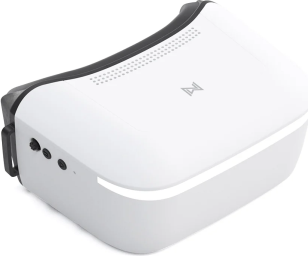
Walksnail AVATAR GOGGLES L
- Product name
- AVATAR GOGGLES L (listed as Goggles L in the specifications)
- Removable storage
- MicroSD, supports 256 GB.
- Box contents and DC con…
- Not specified in the manual
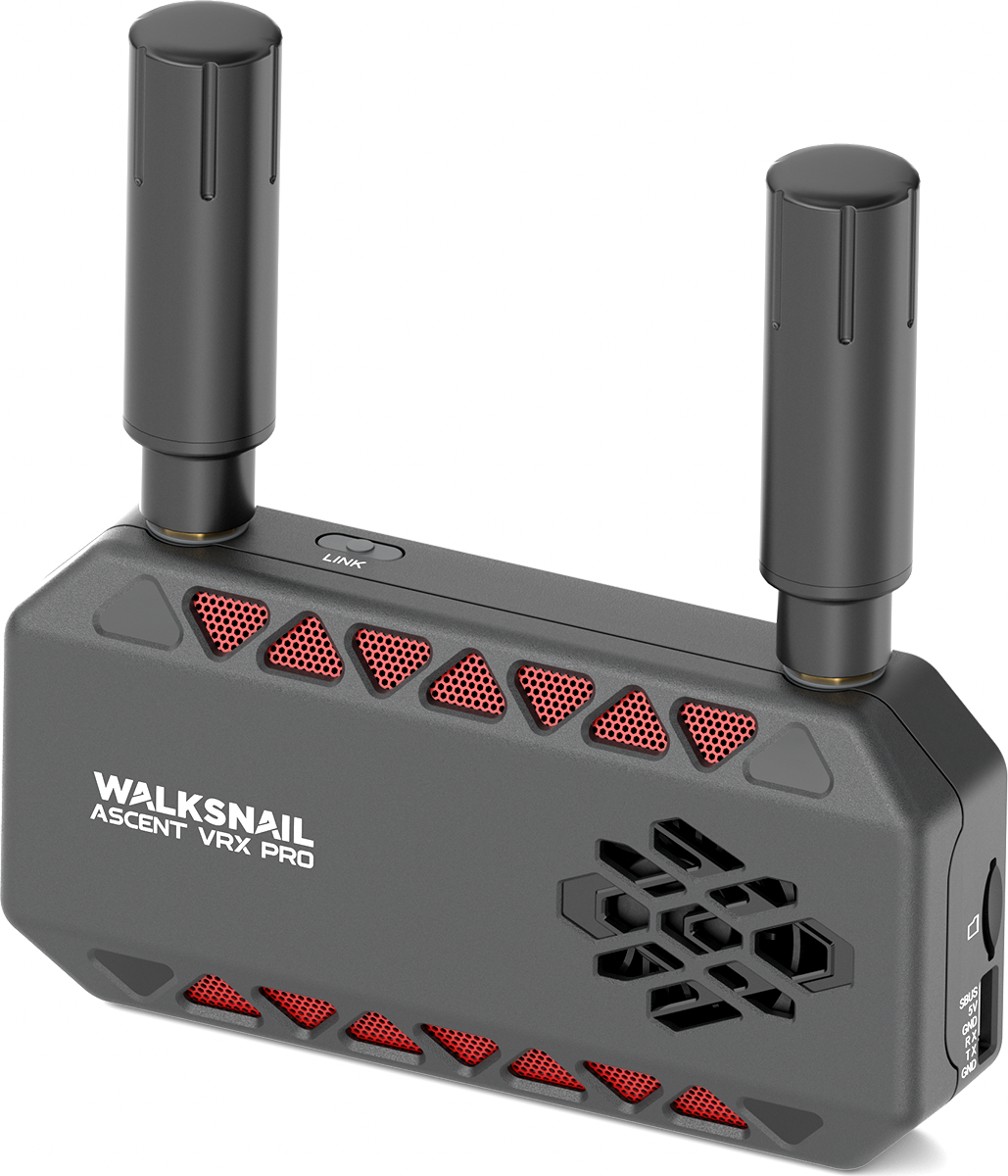
Walksnail ASCENT VRX PRO
- 01 Product and model
- Walksnail Ascent VRX Pro, WN02-FP028, for the Ascent HD System.
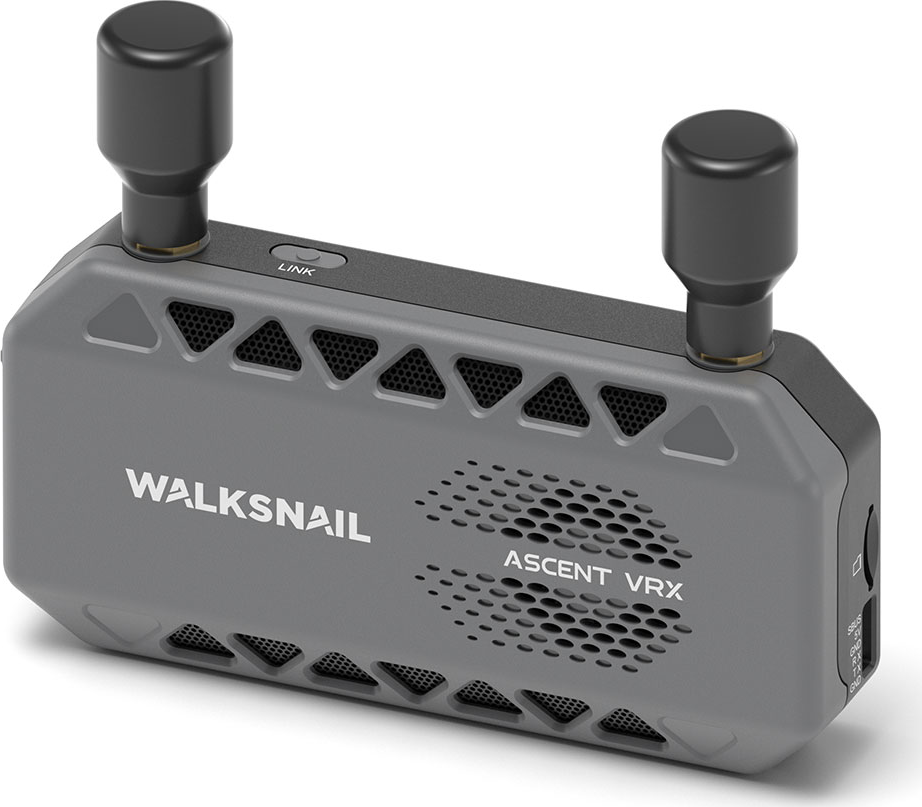
Walksnail ASCENT VRX
- 01 Product and model
- Walksnail Ascent VRX, WN02-FP018, for the Ascent HD System.